






Parallax Page Transition
Page Transition
GSAP
JS
transition-4
Component

Simple Fade Page Transition
Page Transition
GSAP
JS
transition-3
Component
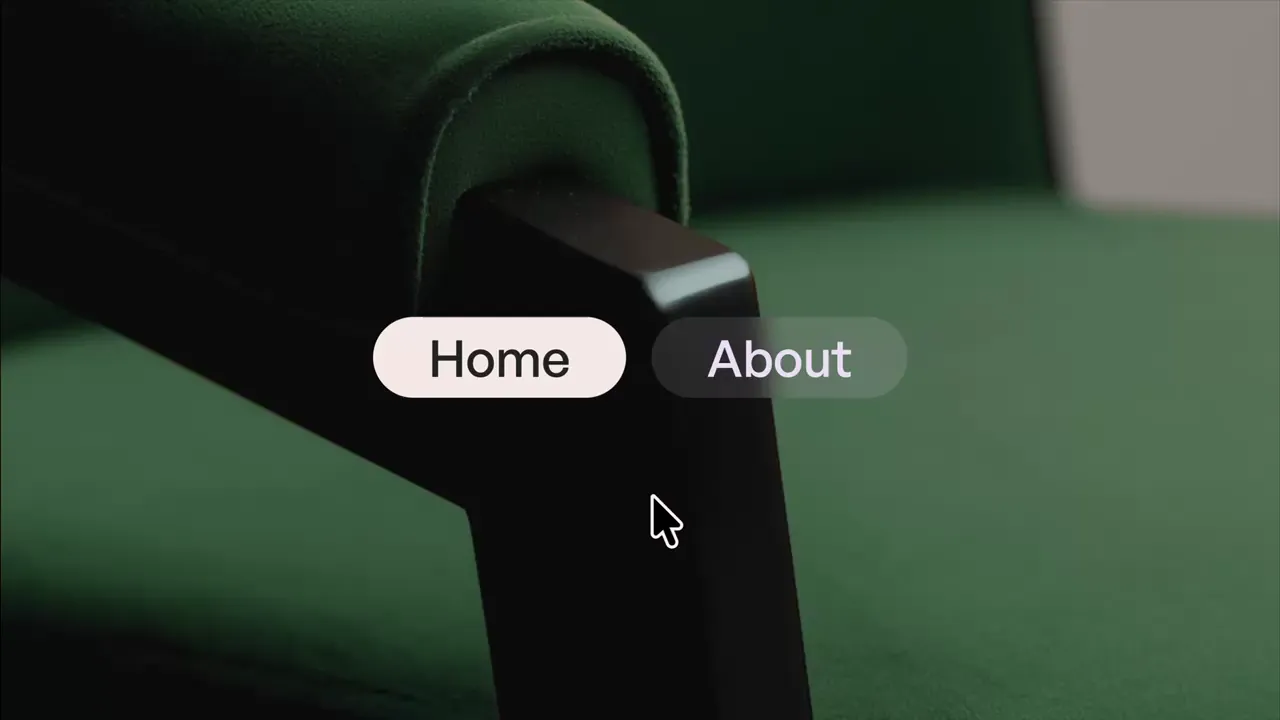
Pixelated Page Transition
Page Transition
GSAP
JS
transition-2
Component
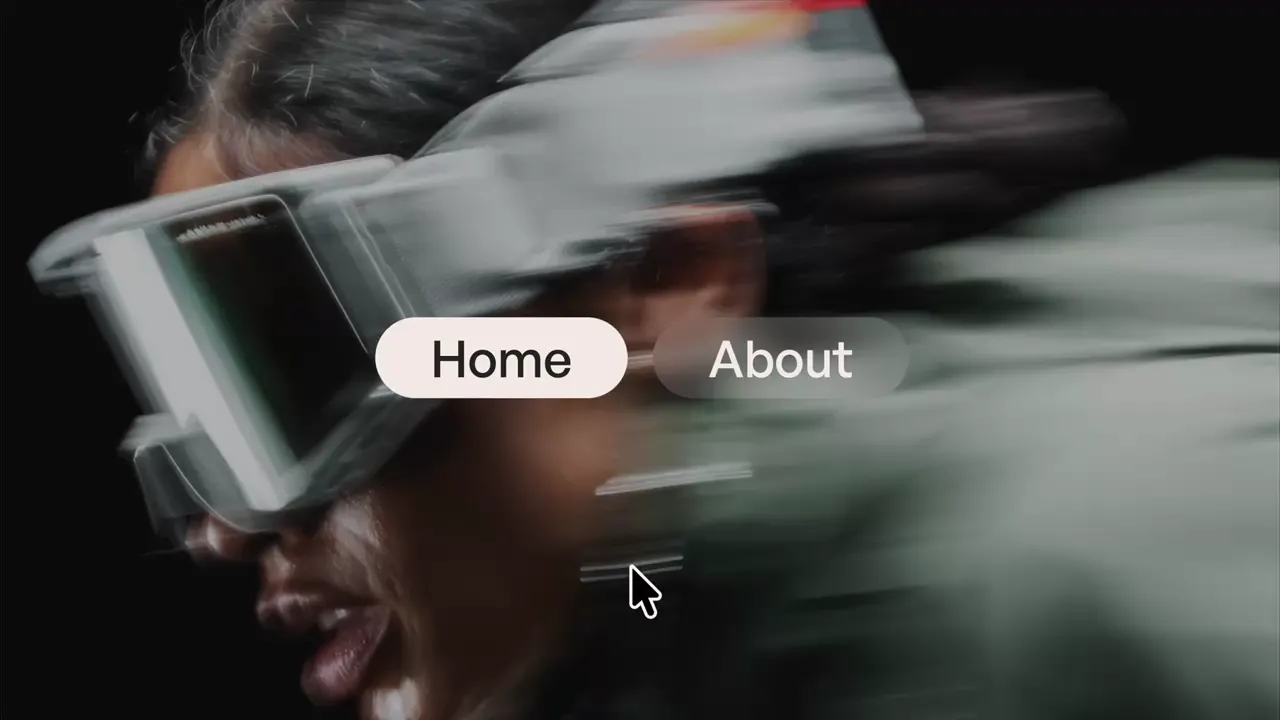
Columns Page Transition
Page Transition
GSAP
JS
transition-1
Component






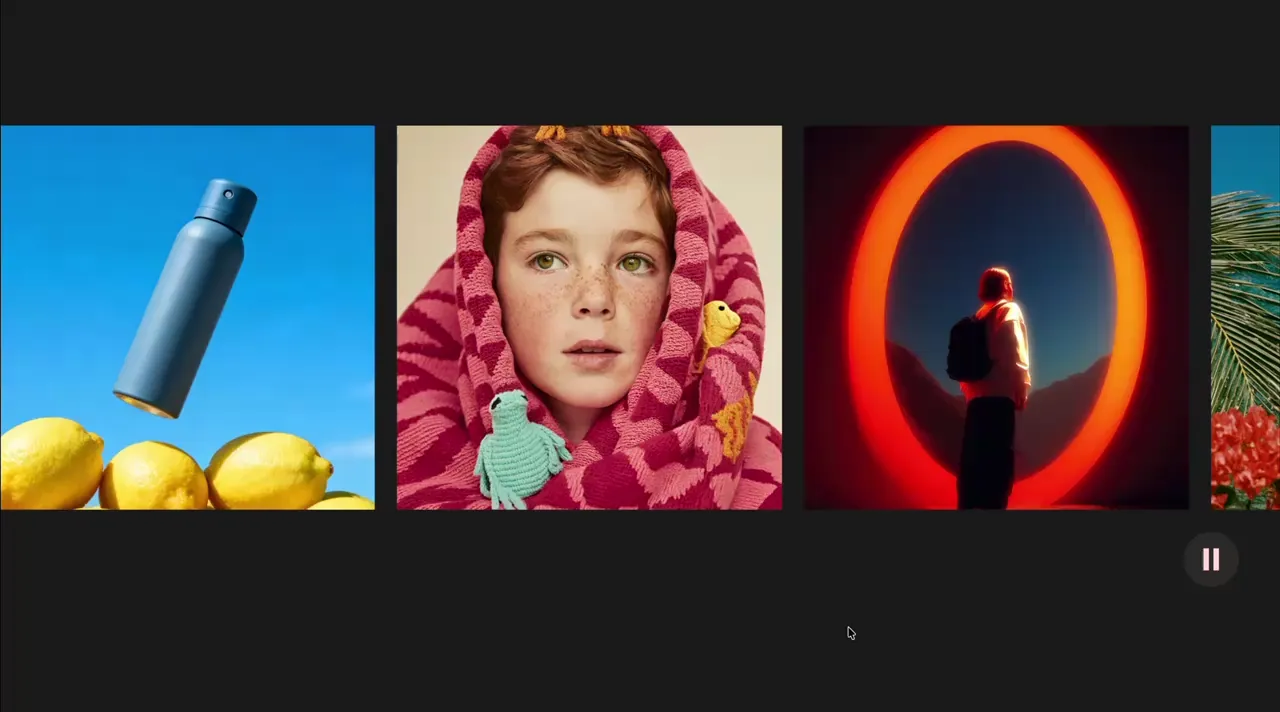
Draggable Marquee
Marquee
Draggable
GSAP
Observer
JS
marquee-4
Component
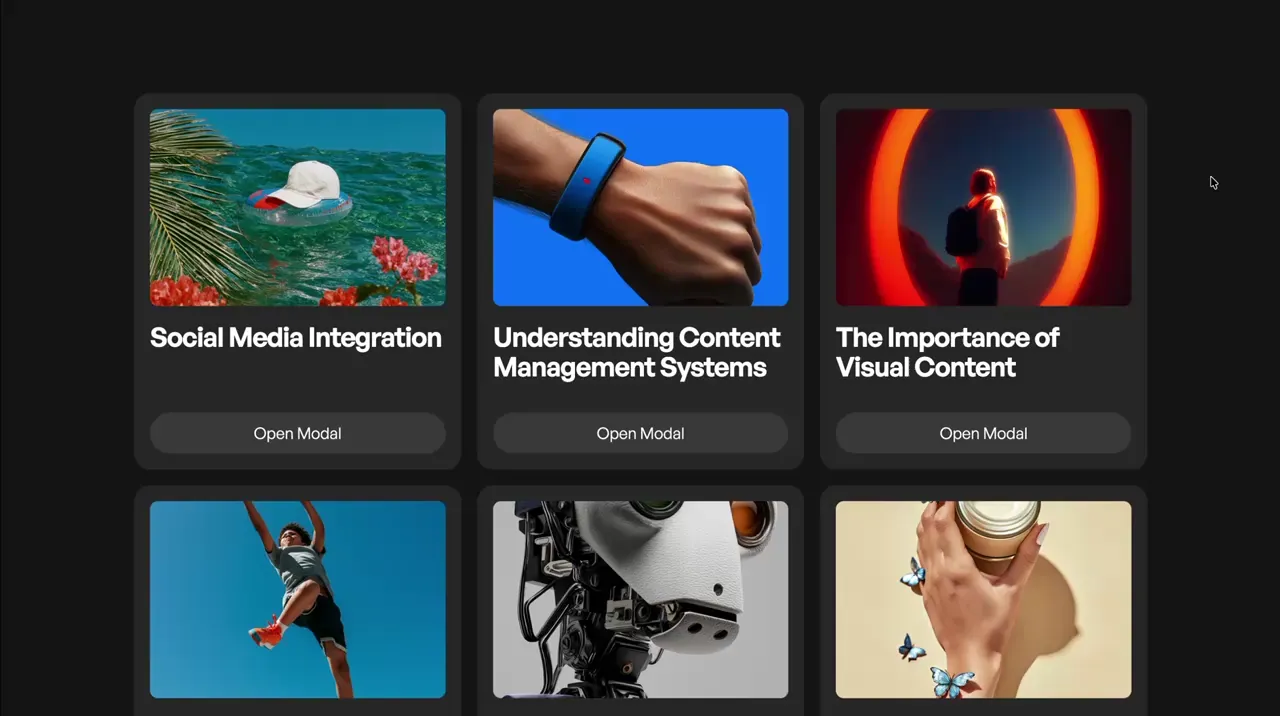
Fetch Modal
Modal
GSAP
JS
CMS
modal-2
Component
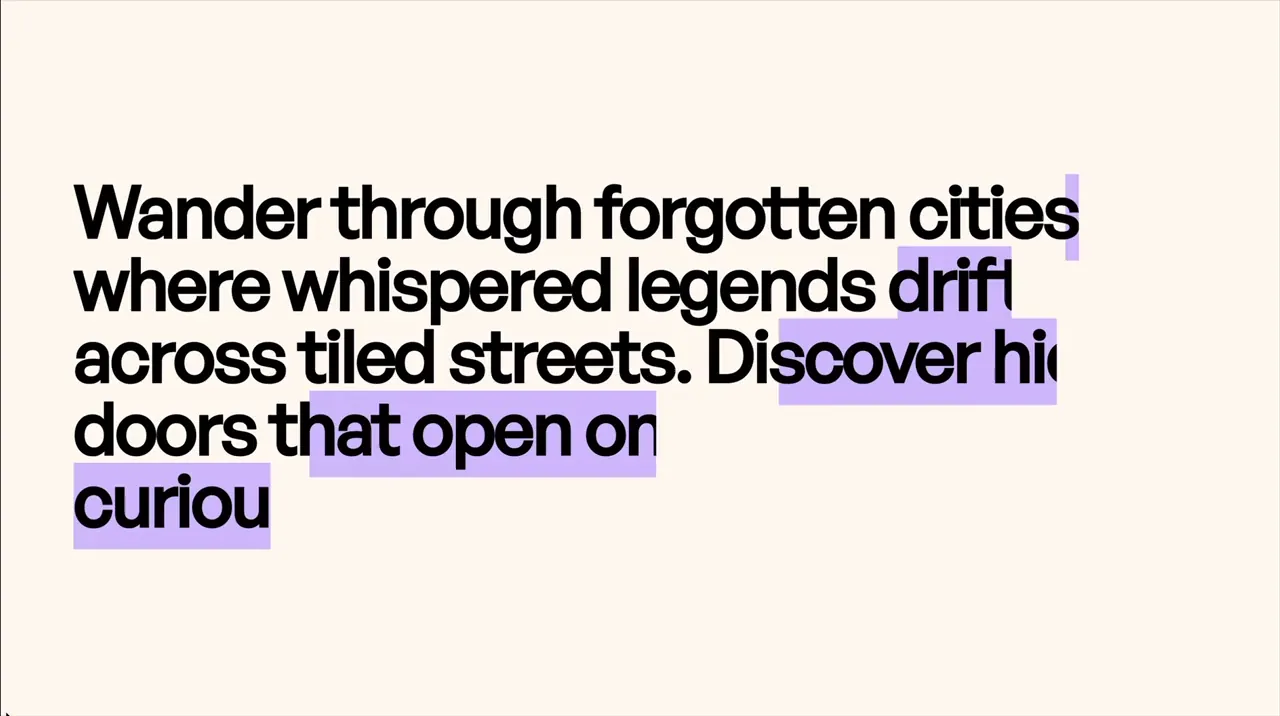
Text Line Animation Color Reveal
Scroll
Text Animation
GSAP
ScrollTrigger
Split Text
JS
CSS
scroll-6
Component

Tooltip Simple
Tooltip
Hover
Utility
JS Library
JS
CSS
tooltip-1
Component

Inline Image and Text
Layout
Style Panel
Custom Element
layout-1
Component
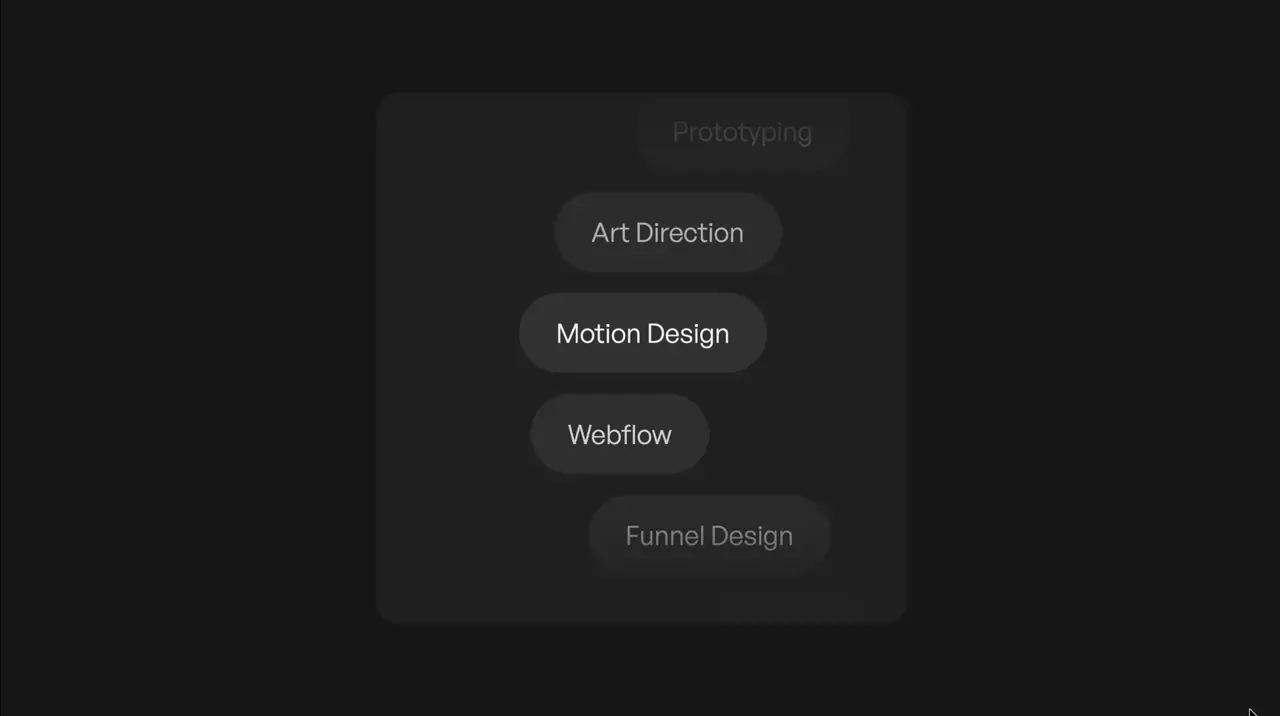
Marquee Vertical Item Progress
Marquee
Loop
GSAP
JS
CMS
marquee-3
Component
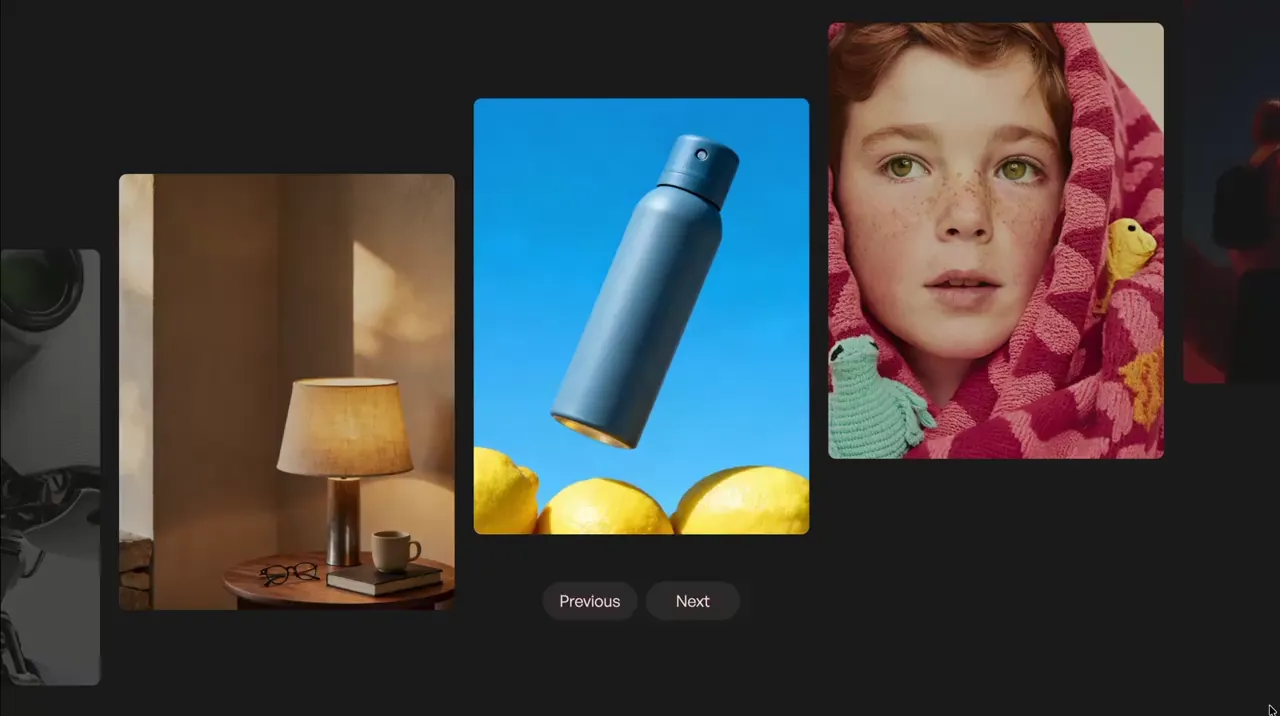
Parallax Slider
Slider
Scroll
Swiper
GSAP
JS
CMS
slider-5
Component
Animate Nav When Scrolled To Page Top
Nav
Scroll
Utility
GSAP
ScrollTrigger
JS
CSS
nav-2
Component
Hide & Show Nav From Scroll Direction
Nav
Scroll
Utility
GSAP
ScrollTrigger
JS
CSS
nav-1
Component
Picture Tag
Layout
Image
Responsive
Custom Element
CMS
picture-1
Component
Letter Stagger Hover
Button
Hover
Text Animation
CSS
GSAP
Split Text
JS
hover-6
Component
Inline Video
Video
CSS
JS
CMS
video-1
Component
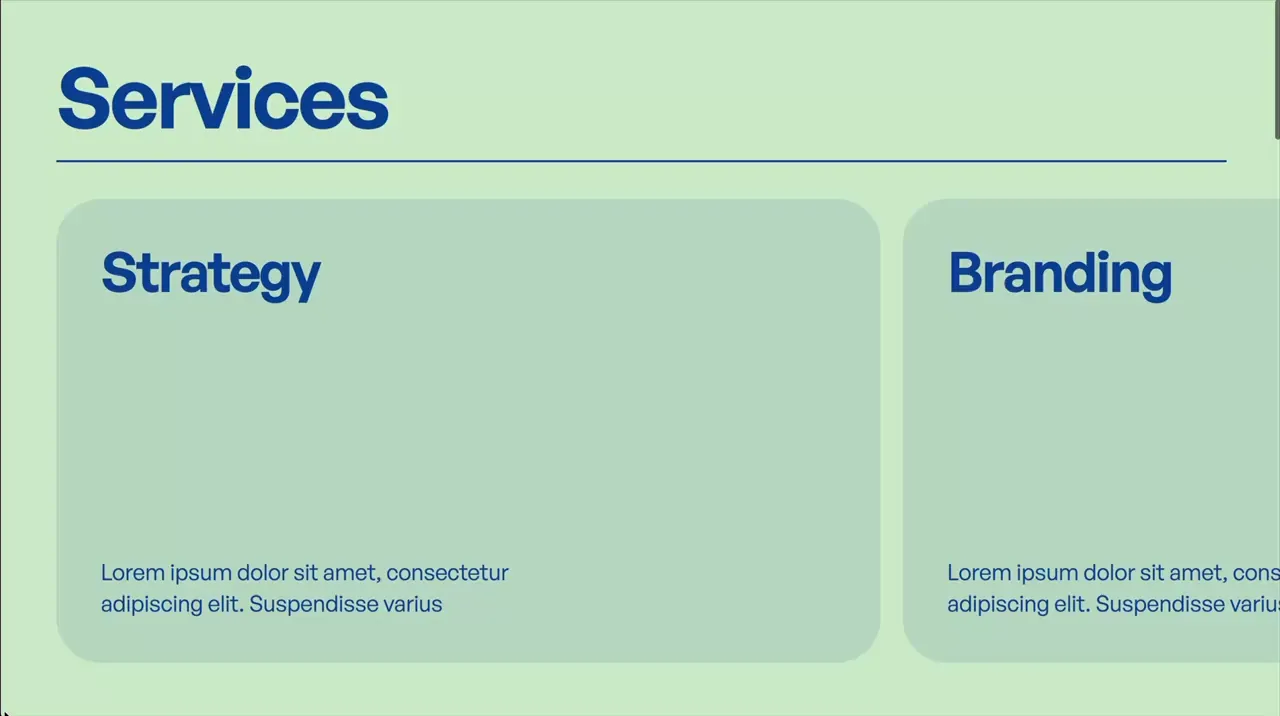
Horizontal Scroll
Scroll
GSAP
ScrollTrigger
JS
CMS
scroll-5
Component
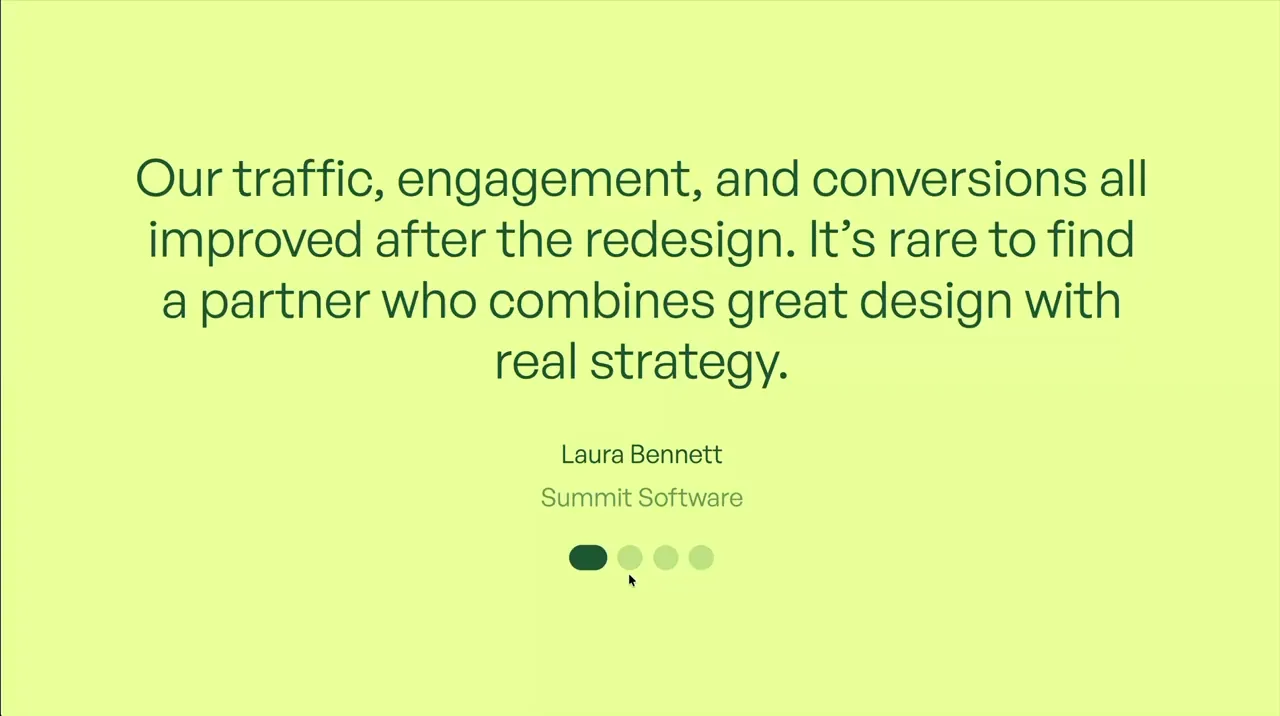
Slider Testimonial Text Stagger
Slider
Text Animation
Swiper
JS
GSAP
Split Text
CMS
slider-4
Component
Right Click, Copy Logo As SVG
Utility
Nav
GSAP
JS
SVG
utility-1
Component
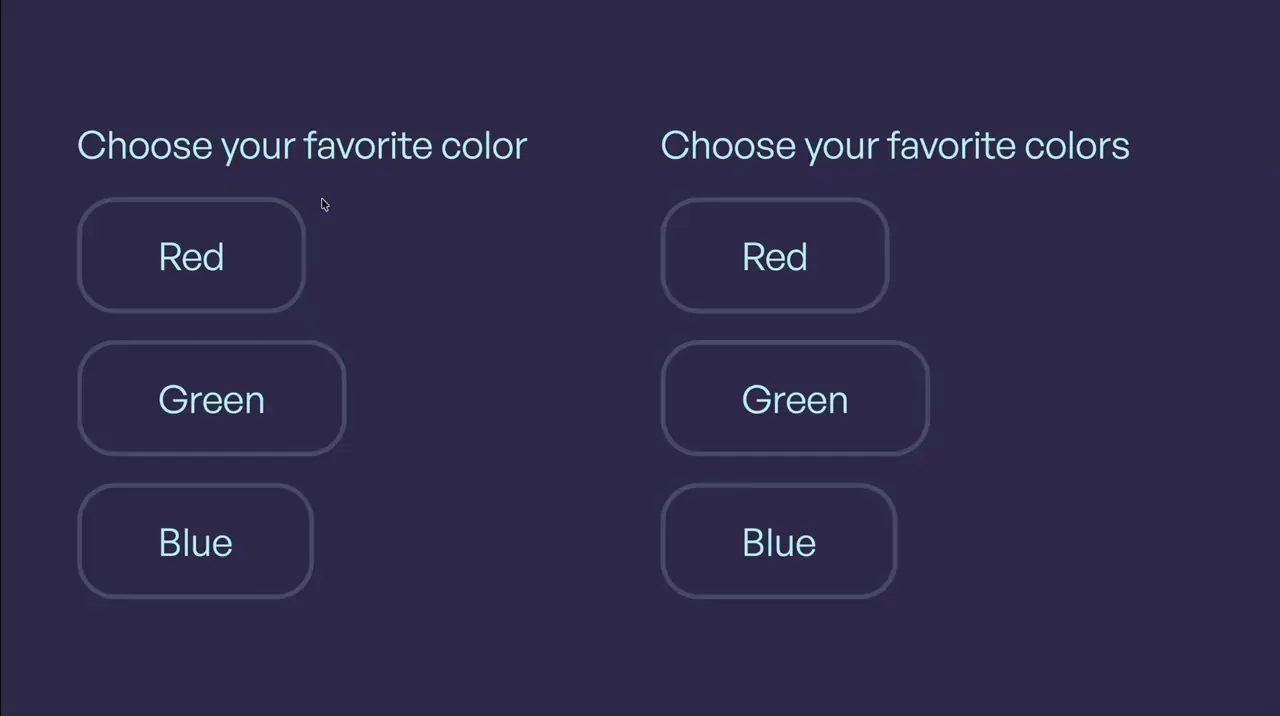
Clip-Path Inputs
Input
Form
Clip-Path
CSS
JS
input-3
Component
Sibling Hover Fade
Hover
CSS
CMS
hover-5
Component
Sibling Hover
Hover
CSS
hover-4
Component
Circle Ring Path Hover
Hover
SVG
CSS
hover-3
Component
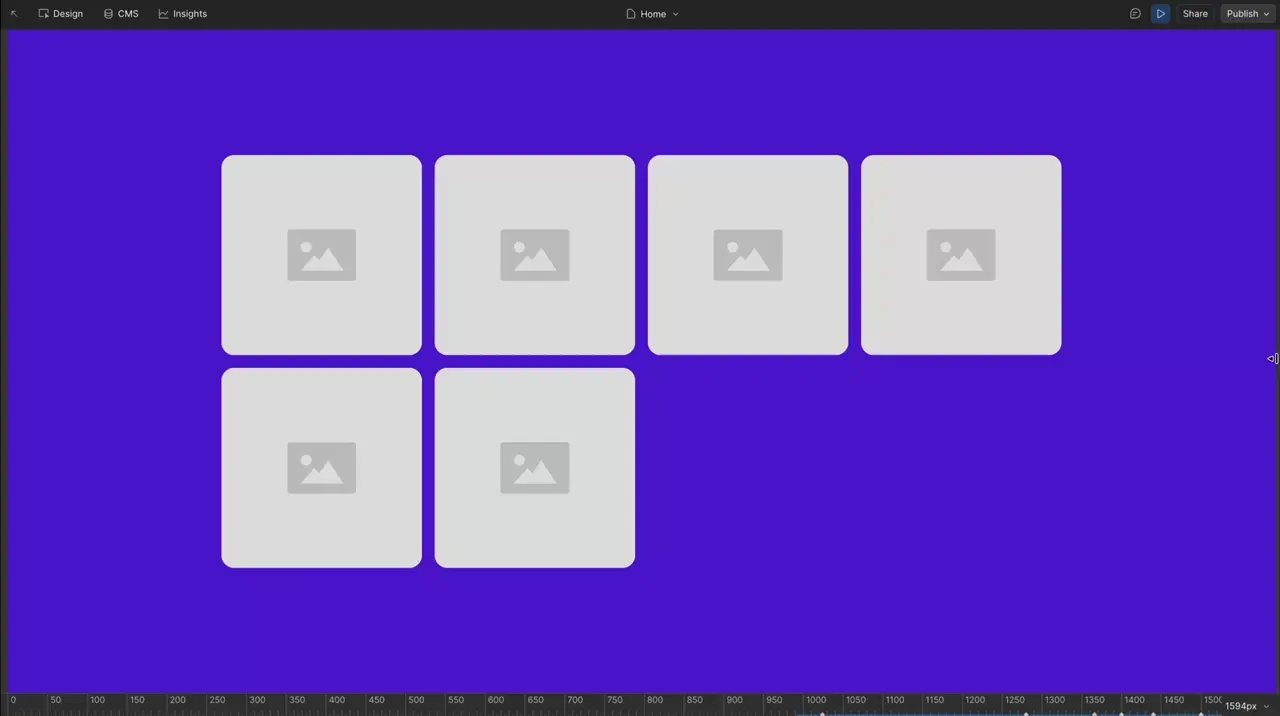
Autofit Grid
Layout
Responsive
Style Panel
CMS
grid-2
Component
Hover Background Flip
Hover
GSAP
FLIP
JS
CMS
hover-2
Component
Modal Simple
Modal
GSAP
JS
CMS
modal-1
Component
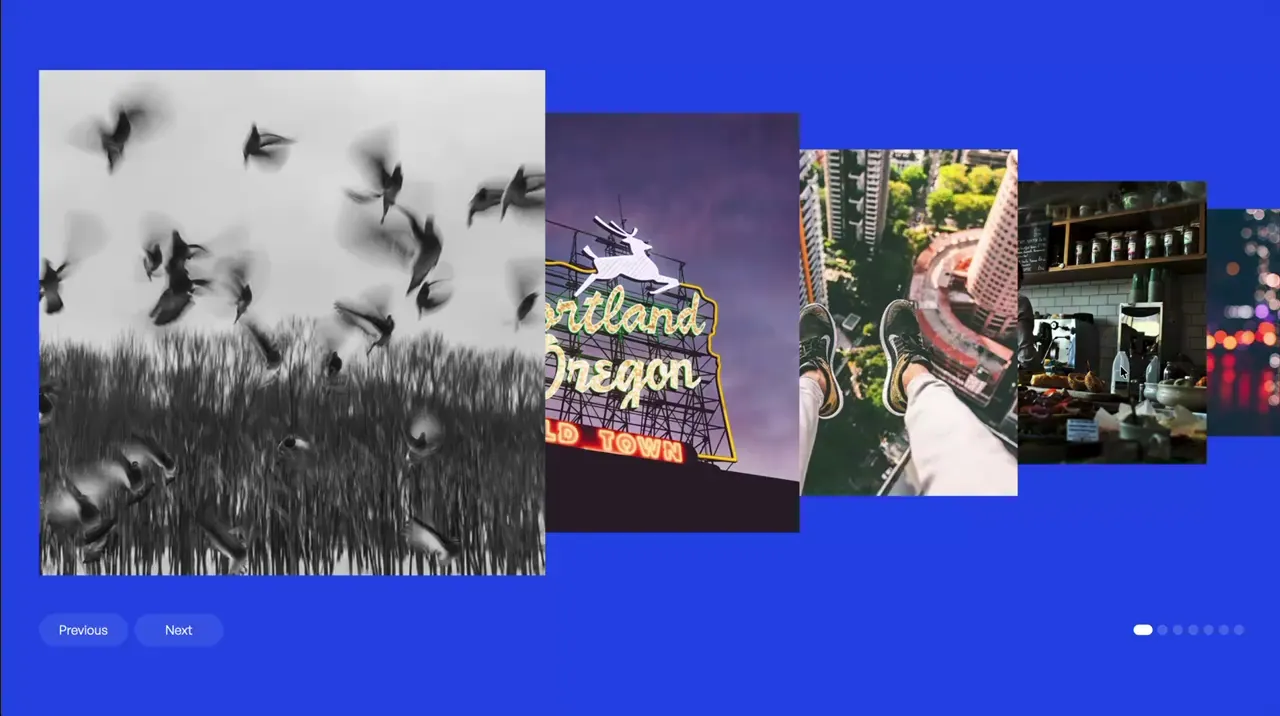
Coverflow Overlap
Slider
Swiper
JS
CMS
slider-3
Component
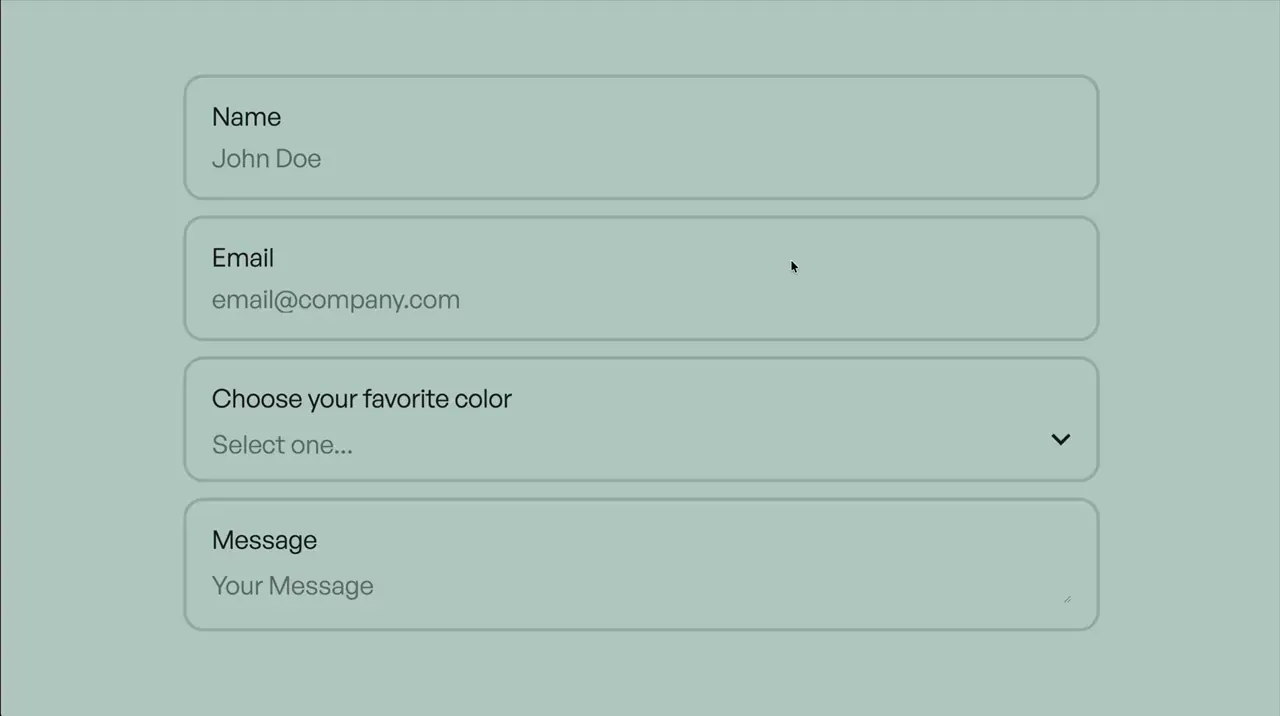
Contained Inputs
Input
Select
Textarea
Form
CSS
input-2
Component
Floating Label
Input
Form
CSS
input-1
Component
Select Simple
Select
Form
CSS
select-1
Component
Radio Simple
Radio
Form
CSS
radio-1
Component

Checkbox Simple
Checkbox
Form
CSS
checkbox-1
Component
CSS-Only Height Transition
Hover
CSS
hover-1
Component
Scroll Text Scrub
Scroll
Text Animation
GSAP
ScrollTrigger
Split Text
JS
scroll-4
Component
Section Overlap Parallax
Scroll
GSAP
ScrollTrigger
JS
scroll-3
Component
Tabs Simple
Tabs
GSAP
JS
CMS
tab-1
Component
Link Hover Underline
Button
Hover
CSS
link-1
Component
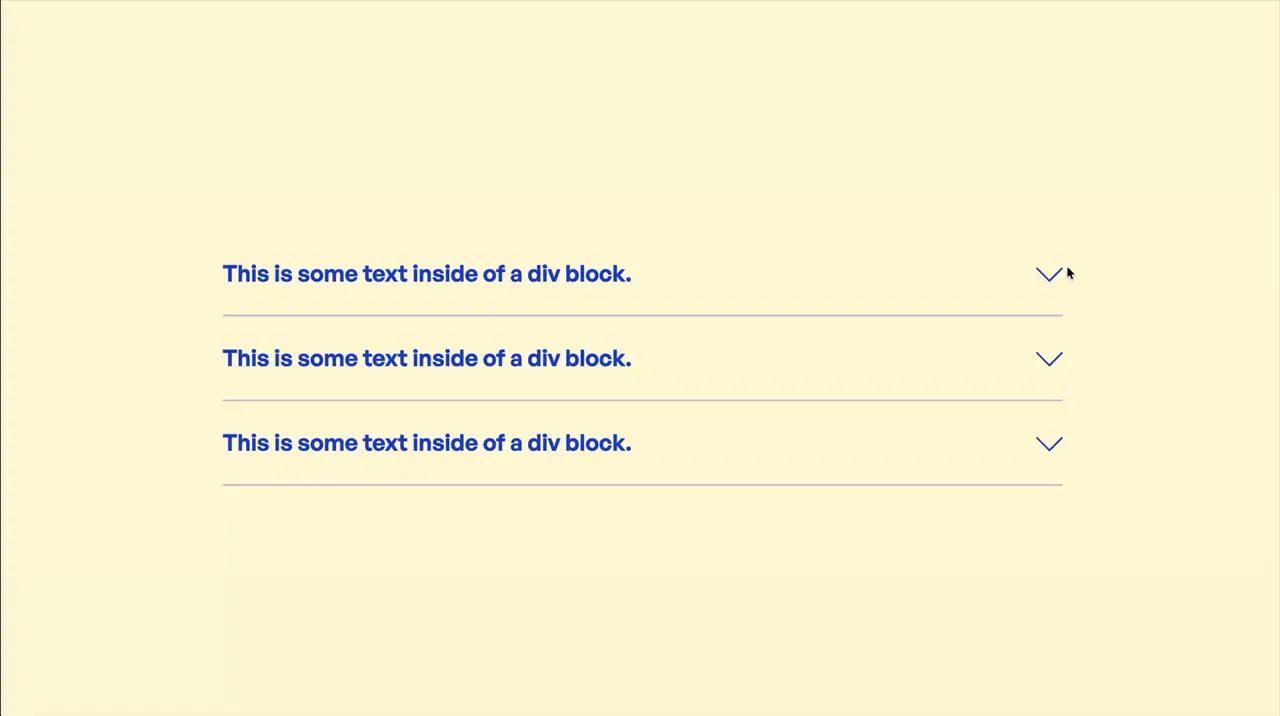
Accordion Simple
Accordion
GSAP
JS
CMS
accordion-1
Component

Spinning Rotation Loop
Loop
Loader
CSS
CSS Animation
rotation-1
Component

Marquee Vertical
Marquee
Loop
CSS Animation
CSS
CSS Animation
CMS
marquee-2
Component
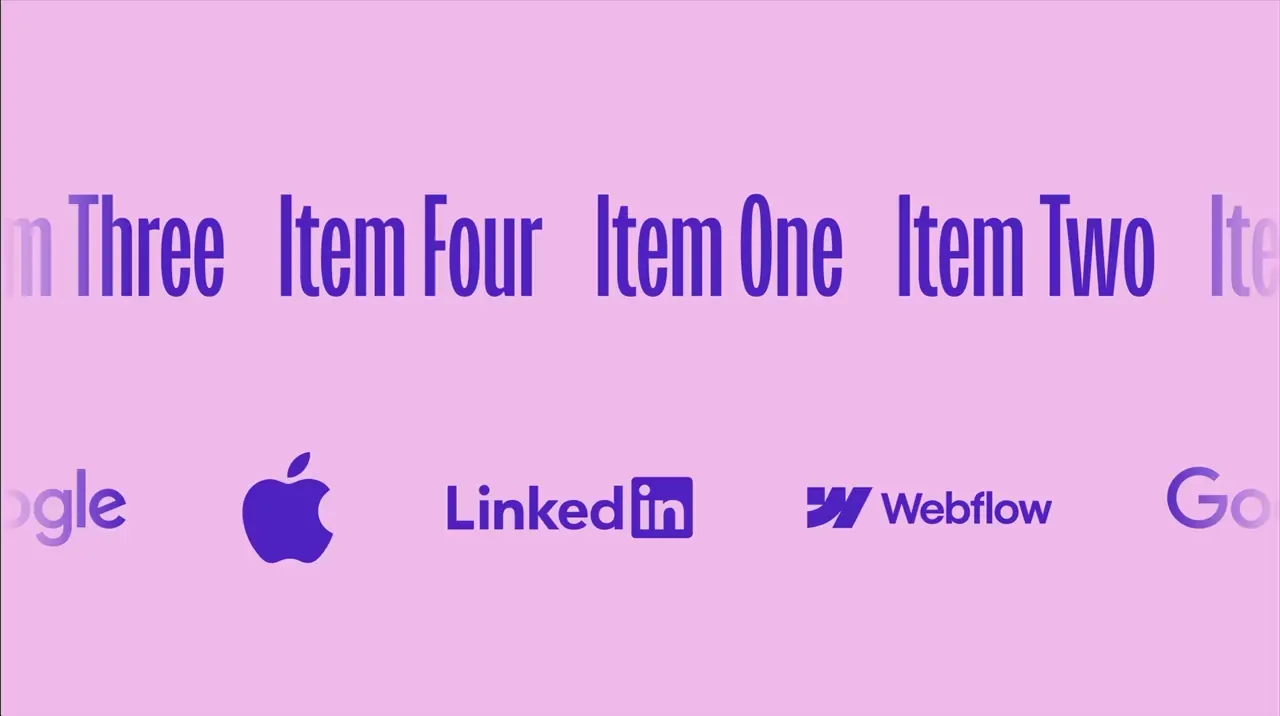
Marquee Simple
Marquee
Loop
CSS Animation
CSS
CSS Animation
CMS
marquee-1
Component
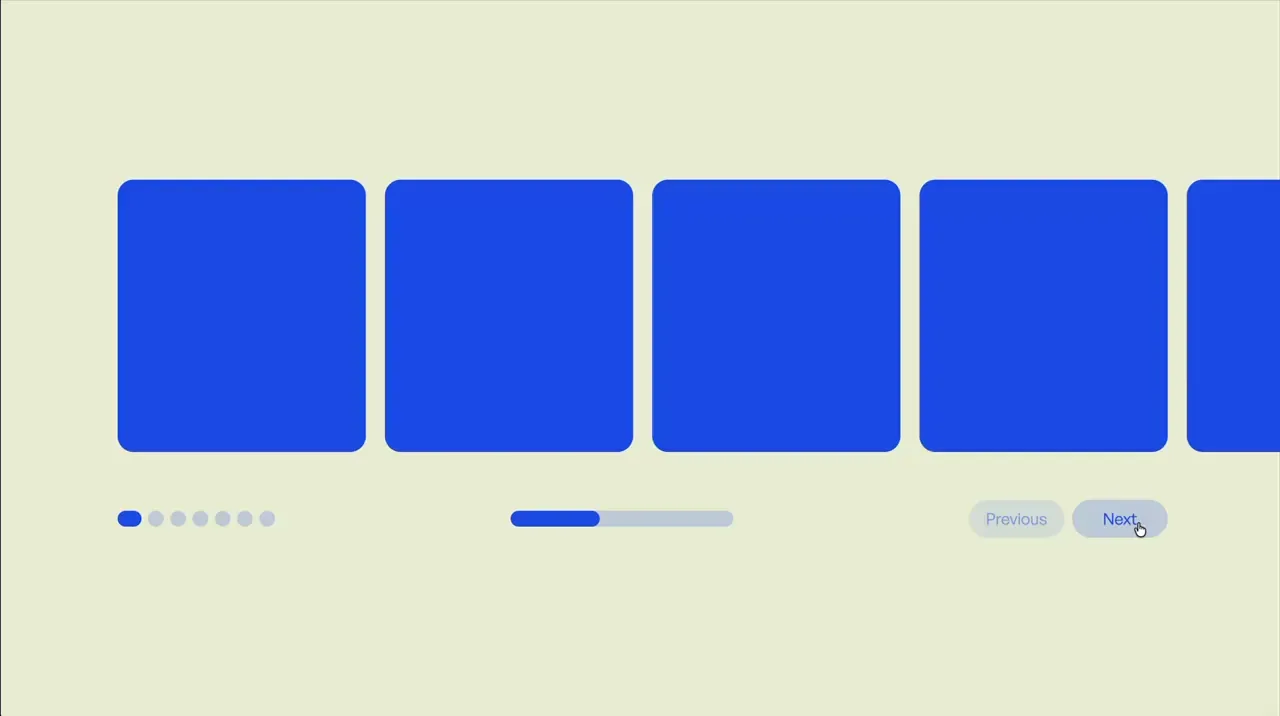
Slider Simple
Slider
Swiper
JS
CMS
slider-2
Component
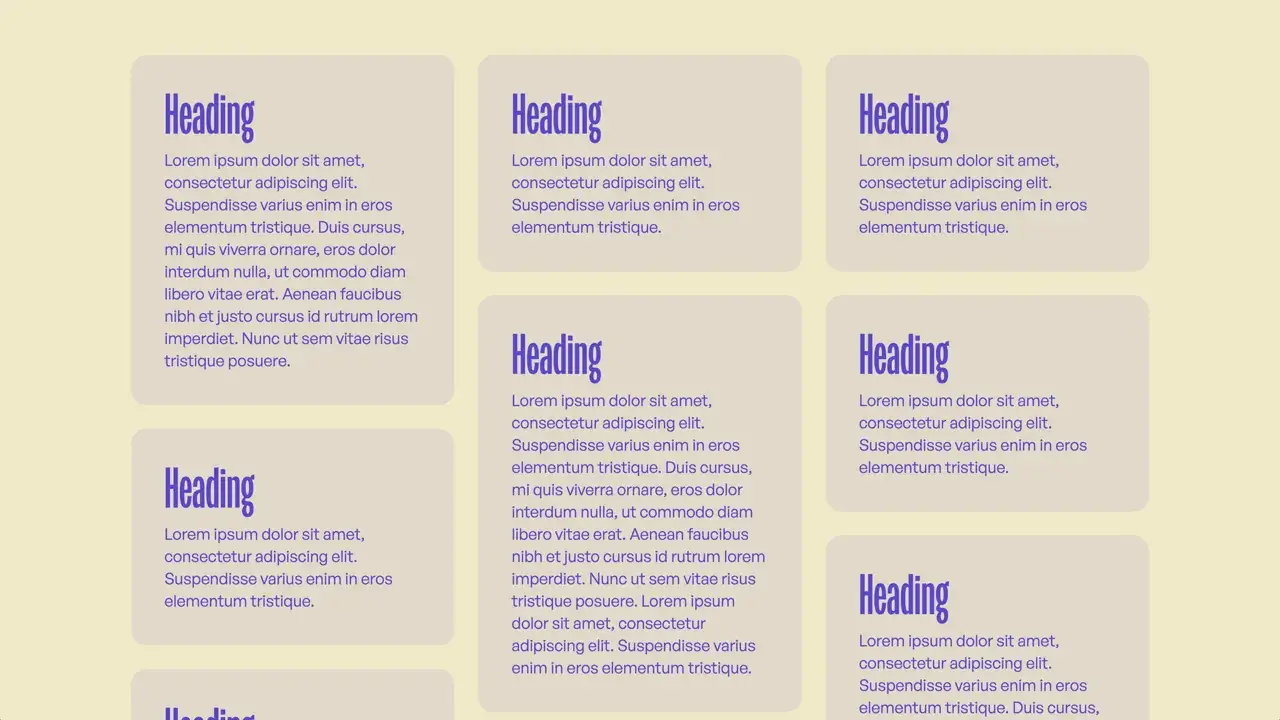
Masonry Grid
Layout
Responsive
Style Panel
CMS
grid-1
Component
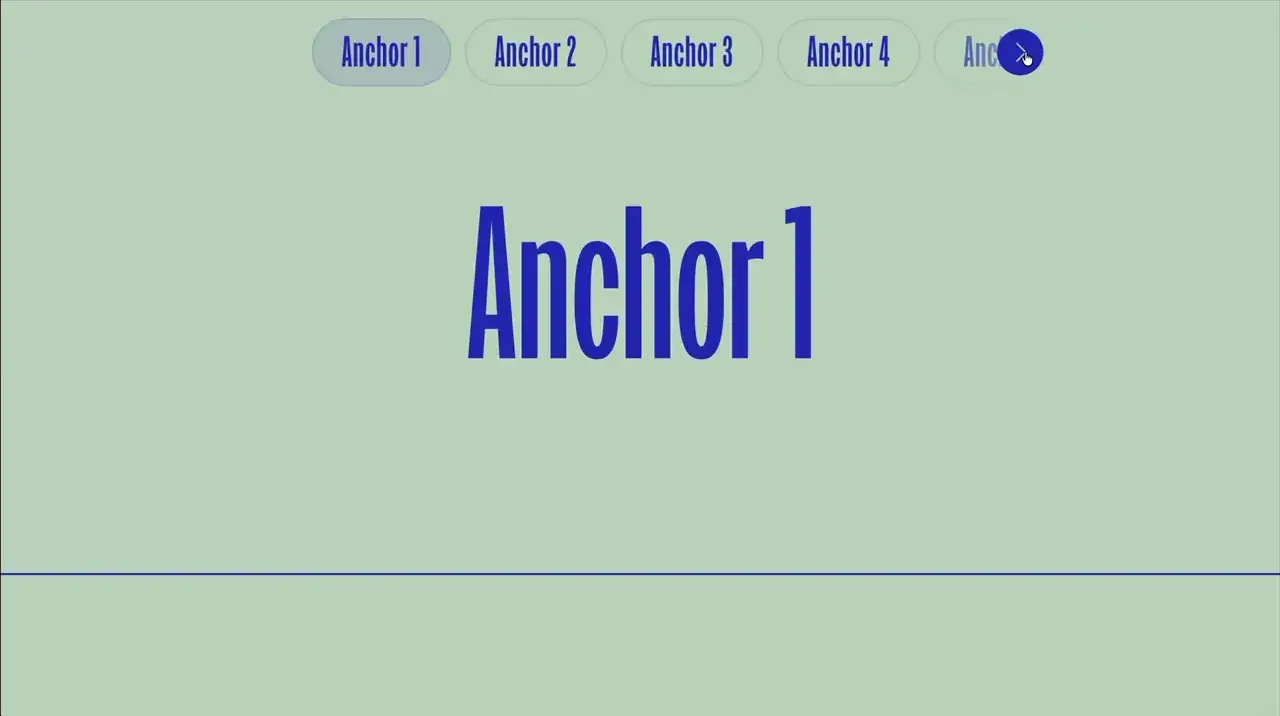
Anchor Link Slider
Scroll
Slider
GSAP
ScrollTrigger
Swiper
JS
CMS
scroll-2
Component
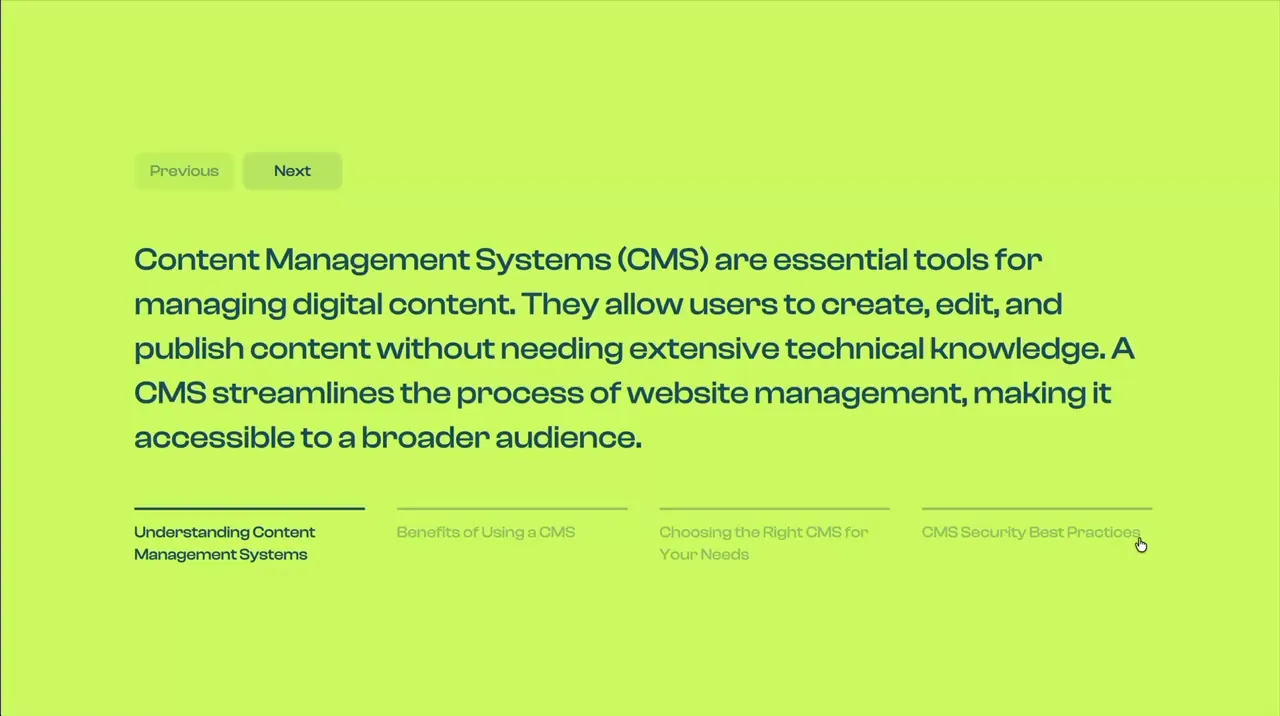
Slides Per Group
Slider
Swiper
JS
CMS
slider-1
Component
Hamburger Two Step
Nav
CSS
hamburger-3
Component

Hamburger Simple
Nav
CSS
hamburger-2
Component
Hamburger Minimal
Nav
CSS
hamburger-1
Component
Spinning Loader Ring
Loop
Loader
CSS Animation
CSS
CSS Animation
loader-1
Component
Scroll Class Toggle
Scroll
GSAP
ScrollTrigger
JS
CMS
scroll-1
Component

Retrigger CSS Animations On Scroll
Scroll
CSS Animation
JS
CSS
- Give section an attribute of data-css-scroll
- When section scrolls into view, all children that have css animations will restart
- Animation retriggers each time we scroll down into the section.
- If animation should retrigger when scrolling back up into the section also, change attribute to data-css-scroll="retrigger-both"
- If animation should not retrigger when scrolling back into the section, change attribute to data-css-scroll="retrigger-none"
- The optional attribute for setting what percent of an element should be in view before animation is triggered is data-css-scroll-threshold="25%"
<style>
.reset-animations,
.reset-animations * {
  animation-name: none !important;
  animation-duration: 0s !important;
}
[data-css-scroll].animation-ready,
[data-css-scroll].animation-ready * {
    animation-duration: 0s !important;
    animation-direction: reverse !important;
}
</style>
<script>
document.addEventListener("DOMContentLoaded", () => {
  const targets = document.querySelectorAll("[data-css-scroll]");
  if (!targets.length) return;
  const thresholdGroups = new Map();
  targets.forEach(el => {
    const thresholdStr = el.dataset.cssScrollThreshold || "50%";
    const threshold = parseFloat(thresholdStr) / 100;
    if (!thresholdGroups.has(threshold)) thresholdGroups.set(threshold, []);
    thresholdGroups.get(threshold).push(el);
  });
  const entryObserver = new IntersectionObserver(entries => {
    for (const entry of entries) {
      if (entry.isIntersecting && !entry.target.__pastThreshold && entry.target.__ioInit) {
        entry.target.classList.add("animation-ready");
        entryObserver.unobserve(entry.target);
      }
    }
  }, { threshold: 0, rootMargin: "-1px" });
  const exitObserver = new IntersectionObserver(entries => {
    for (const entry of entries) {
      const el = entry.target;
      const mode = el.dataset.cssScroll || "";
      if (!entry.isIntersecting && mode !== "retrigger-none" && el.__ioInit) {
        const isExitingTop = entry.boundingClientRect.bottom < entry.rootBounds.top;
        if (mode === "retrigger-both" || !isExitingTop) el.classList.add("animation-ready");
      }
    }
  }, { threshold: 0, rootMargin: "-1px" });
  thresholdGroups.forEach((elements, threshold) => {
    const io = new IntersectionObserver(entries => {
      for (const entry of entries) {
        const el = entry.target;
        const mode = el.dataset.cssScroll || "";
        if (!el.__ioInit) {
          el.__ioInit = true;
          if (entry.isIntersecting) el.__cssAnimTriggered = el.__pastThreshold = true;
          continue;
        }
        if (!entry.isIntersecting) {
          if (mode !== "retrigger-none") el.__cssAnimTriggered = false;
          continue;
        }
        const isScrollingDown = entry.boundingClientRect.top >= 0 && entry.boundingClientRect.top < entry.rootBounds.bottom;
        const shouldTrigger = mode === "retrigger-none" ? !el.__cssAnimTriggered : mode === "retrigger-both" ? !el.__cssAnimTriggered : !el.__cssAnimTriggered && isScrollingDown;
        if (!shouldTrigger) continue;
        el.__cssAnimTriggered = true;
        if (!el.classList.contains("animation-ready")) continue;
        el.classList.remove("animation-ready");
        el.classList.add("reset-animations");
        el.offsetHeight;
        requestAnimationFrame(() => {
          el.classList.remove("reset-animations");
          if (mode === "retrigger-none") io.unobserve(el);
        });
      }
    }, { threshold });
    elements.forEach(el => {
      io.observe(el);
      entryObserver.observe(el);
      exitObserver.observe(el);
    });
  });
});
</script>
css-animations-on-scroll
Code

Click Event That Runs Even On New Elements
Utility
JS
- Normally JavaScript only runs for the elements that were initially there on page load. So any new elements that are added to the page through filtering, looped sliders, or fetched elements wouldn't have the interaction applied. By applying the click event to the document instead and filtering it to a certain class, the action will also apply to any new elements added to the page with that class.
<script>
document.addEventListener("DOMContentLoaded", function () {
	document.addEventListener("click", (e) => {
		if (!e.target.closest(".your-element")) return;
		e.target.classList.toggle("is-active");
	});
});
</script>
click-event-that-runs-even-on-new-elements
Code

DOMContentLoaded
Utility
JS
- DOMContentLoaded runs after the HTML is loaded and parsed so it is safe to target elements with JavaScript.
<script>
document.addEventListener("DOMContentLoaded", function () {
	// run code here
});
</script>
domcontentloaded
Code

Reload Page On Browser Back Button Click
Utility
JS
- In most browsers, pressing the back button pulls up the previous state of the last page instead of refreshing the last page. In cases where this may break interactions or intended functionality, we can force the browser to refresh the page.
<script>
window.onpageshow = function(event) {
	if (event.persisted) window.location.reload();
};
</script>
reload-page-on-browser-back-button-click
Code

Hide Section If Empty CMS
Utility
CMS
CSS
- Give section an attribute name of data-hide-if-empty-cms
- Section will be hidden if it contains no cms items
<style>
[data-hide-if-empty-cms]:not(:has(.w-dyn-item)) {
	display: none;
}
</style>
hide-section-if-empty-cms
Code

Show A Different Div For Each Day Of The Week
Utility
JS
- Apply attribute name of data-week-list to your list containing 7 items
- The first item within the list should be for Sunday
- A different div will be shown for each day of the week
<script>
document.addEventListener("DOMContentLoaded", () => {
	document.querySelectorAll("[data-week-list]").forEach(list => {
		const currentDay = new Date().getDay();
		const items = Array.from(list.children);
		const currentItem = items[currentDay];
		items.forEach(item => {
			if (item !== currentItem) item.remove();
		});
	});
});
</script>
show-a-different-div-for-each-day-of-the-week
Code

Make Item Draggable
Draggable
Utility
JS
- Give item an attribute name of data-draggable-item
<script>
document.addEventListener("DOMContentLoaded", () => {
	let zIndex = 1;
	document.querySelectorAll("[data-draggable-item]").forEach((item) => {
		item.style.touchAction = "none";
		let startX, startY, originX, originY;
		function onPointerDown(e) {
			e.preventDefault();
			item.style.zIndex = ++zIndex;
			startX = e.clientX;
			startY = e.clientY;
			originX = parseFloat(item.dataset.x) || 0;
			originY = parseFloat(item.dataset.y) || 0;
			item.setPointerCapture(e.pointerId);
			item.addEventListener("pointermove", onPointerMove);
			item.addEventListener("pointerup", onPointerUp);
			item.addEventListener("pointercancel", onPointerUp);
		}
		function onPointerMove(e) {
			const dx = e.clientX - startX;
			const dy = e.clientY - startY;
			const x = originX + dx;
			const y = originY + dy;
			item.dataset.x = x;
			item.dataset.y = y;
			item.style.transform = `translate3d(${x}px, ${y}px, 0)`;
		}
		function onPointerUp(e) {
			item.releasePointerCapture(e.pointerId);
			item.removeEventListener("pointermove", onPointerMove);
			item.removeEventListener("pointerup", onPointerUp);
			item.removeEventListener("pointercancel", onPointerUp);
		}
		item.addEventListener("pointerdown", onPointerDown);
	});
});
</script>
make-item-draggable
Code

Show A Random CMS Item
Utility
CMS
JS
- Give collection list a class of your-cms-list
- Only one random child within this element will be shown on page load
<script>
document.addEventListener("DOMContentLoaded", () => {
  document.querySelectorAll(".your-cms-list").forEach(list => {
    const items = Array.from(list.children);
    const randomNumber = Math.floor(Math.random() * items.length);
    items.forEach((item, i) => {
      item.style.display = i === randomNumber ? "" : "none";
    });
  });
});
</script>
show-a-random-cms-item
Code

setTimeout
Utility
JS
- Run code after 1,000 milliseconds (1 second)
<script>
setTimeout(() => {
	// your code here
}, 1000);
</script>
settimeout
Code

setInterval
Utility
JS
- Run code every 1,000 milliseconds (every 1 second)
<script>
setInterval(function () {
	// your code here
}, 1000);
</script>
setinterval
Code

Copy To Clipboard
Utility
JS
- Give the element attribute name and value of data-copy="Your text to copy"
- On click of the element, the attribute value will be copied to clipboard
<script>
document.addEventListener("DOMContentLoaded", function () {
	document.addEventListener("click", (e) => {
		const el = e.target.closest("[data-copy]");
		if (!el) return;
		navigator.clipboard.writeText(el.getAttribute("data-copy") || "");
	});
});
</script>
copy-to-clipboard
Code

Scroll Direction Changed
Scroll
Utility
GSAP
ScrollTrigger
JS
- Run code when page scroll direction changes
<script src="https://cdn.jsdelivr.net/npm/gsap@3.13.0/dist/gsap.min.js"></script>
<script src="https://cdn.jsdelivr.net/npm/gsap@3.13.0/dist/ScrollTrigger.min.js"></script>
<script>
document.addEventListener("DOMContentLoaded", () => {
	gsap.registerPlugin(ScrollTrigger);

	let lastDirection;
	ScrollTrigger.create({
		trigger: document.body,
		start: "top top",
		end: "bottom bottom",
		onUpdate: (self) => {
			if (lastDirection === self.direction) return;
			lastDirection = self.direction;
			if (self.direction === 1) {
				console.log("Page scrolled down");
			} else {
				console.log("Page scrolled up");
			}
		}
	});
});
</script>
scroll-direction-changed
Code

JavaScript matchMedia
Utility
Responsive
JS
- Run JavaScript based on screen size on page load and when crossing between breakpoints
<script>
document.addEventListener("DOMContentLoaded", () => {
	function checkBreakpoint(x) {
		if (x.matches) {
			// desktop code here
		} else {
			// tablet & below code here
		}
	}
	const matchMediaDesktop = window.matchMedia("(min-width: 992px)");
	checkBreakpoint(matchMediaDesktop);
	matchMediaDesktop.addListener(checkBreakpoint);
});
</script>
javascript-matchmedia
Code

Display Number Of CMS Items
Utility
CMS
JS
- Give the section a class of your-section
- Give the cms items a class of your-cms-items
- Give the text element that should display the number of cms items a class of your-number-text
<script>
document.addEventListener("DOMContentLoaded", () => {
 	document.querySelectorAll(".your-section").forEach(component => {
		const itemTotal = component.querySelectorAll(".your-cms-items").length;
		component.querySelectorAll(".your-number-text").forEach(el => el.textContent = itemTotal);
	});
});
</script>
display-number-of-cms-items
Code